Questions
Is the font replacer free?
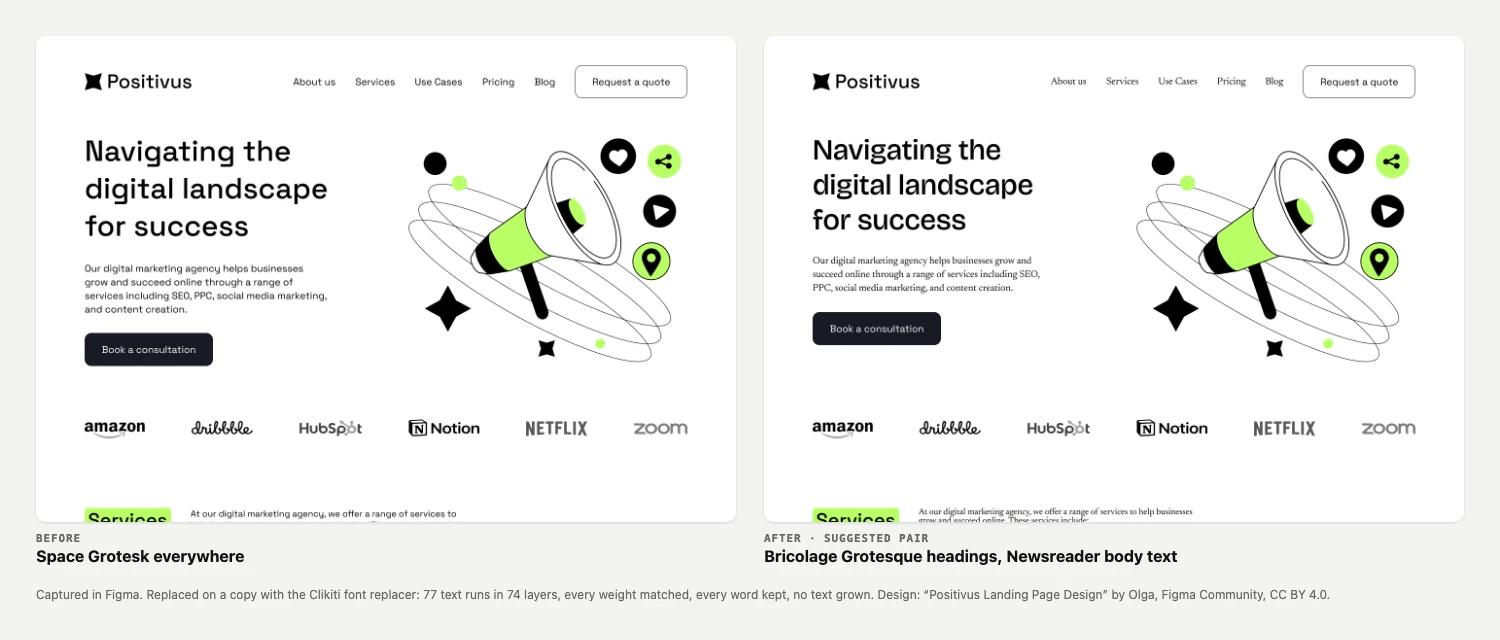
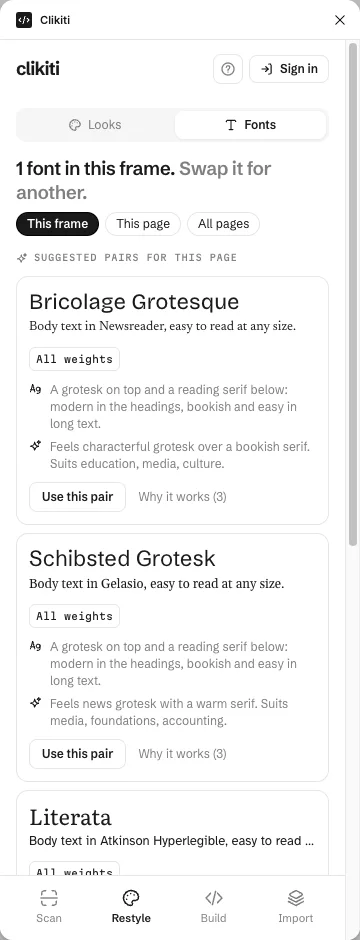
Yes, permanently and guaranteed, without signing in. Swap fonts in a frame, a page or the whole file, keep every weight, update text styles and fix missing fonts in one go.
How do I replace every font in a Figma file?
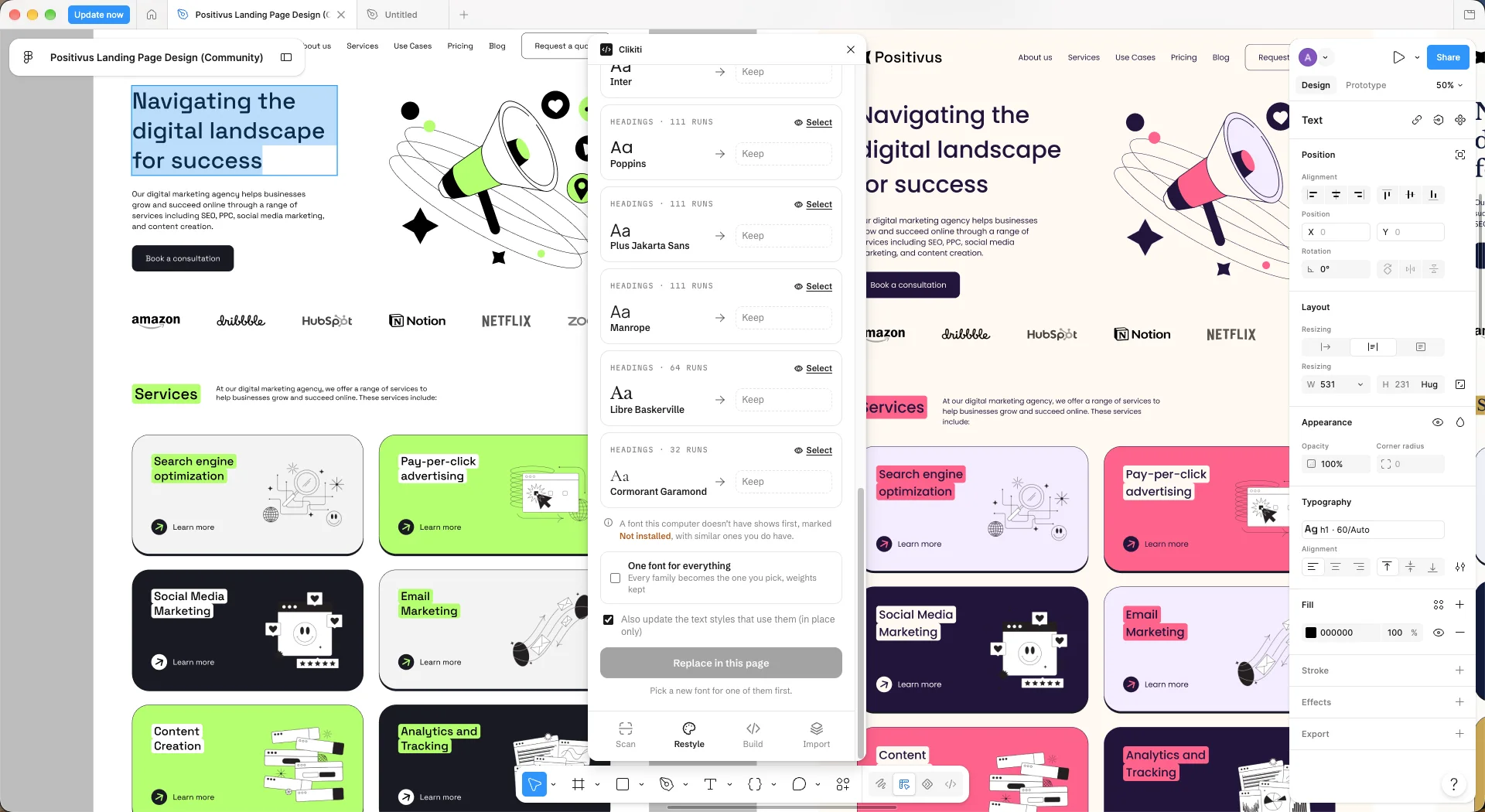
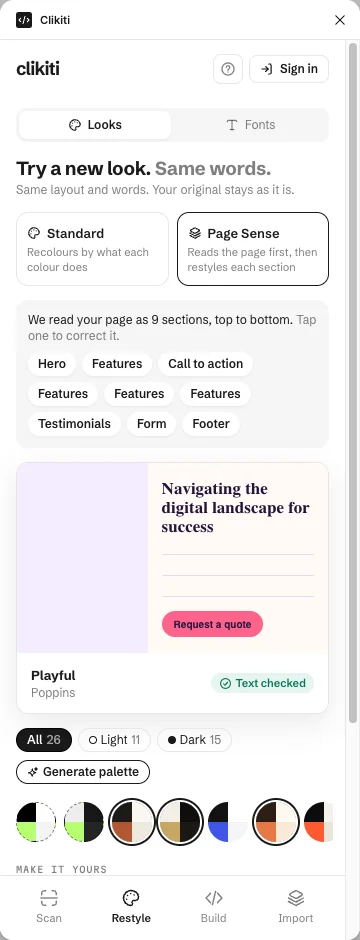
Open the plugin, go to Restyle and then Fonts, pick All pages and choose the new font for each family, or tick One font for everything. Each weight maps to its nearest match, and text that now takes more lines is flagged.
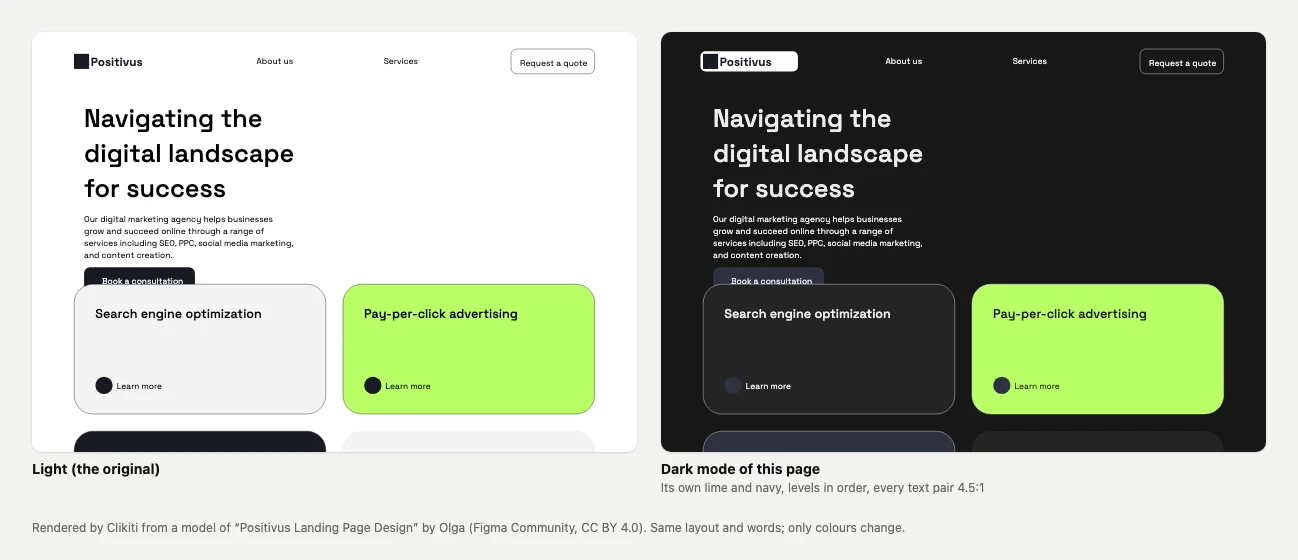
Can it make a dark mode of my Figma design?
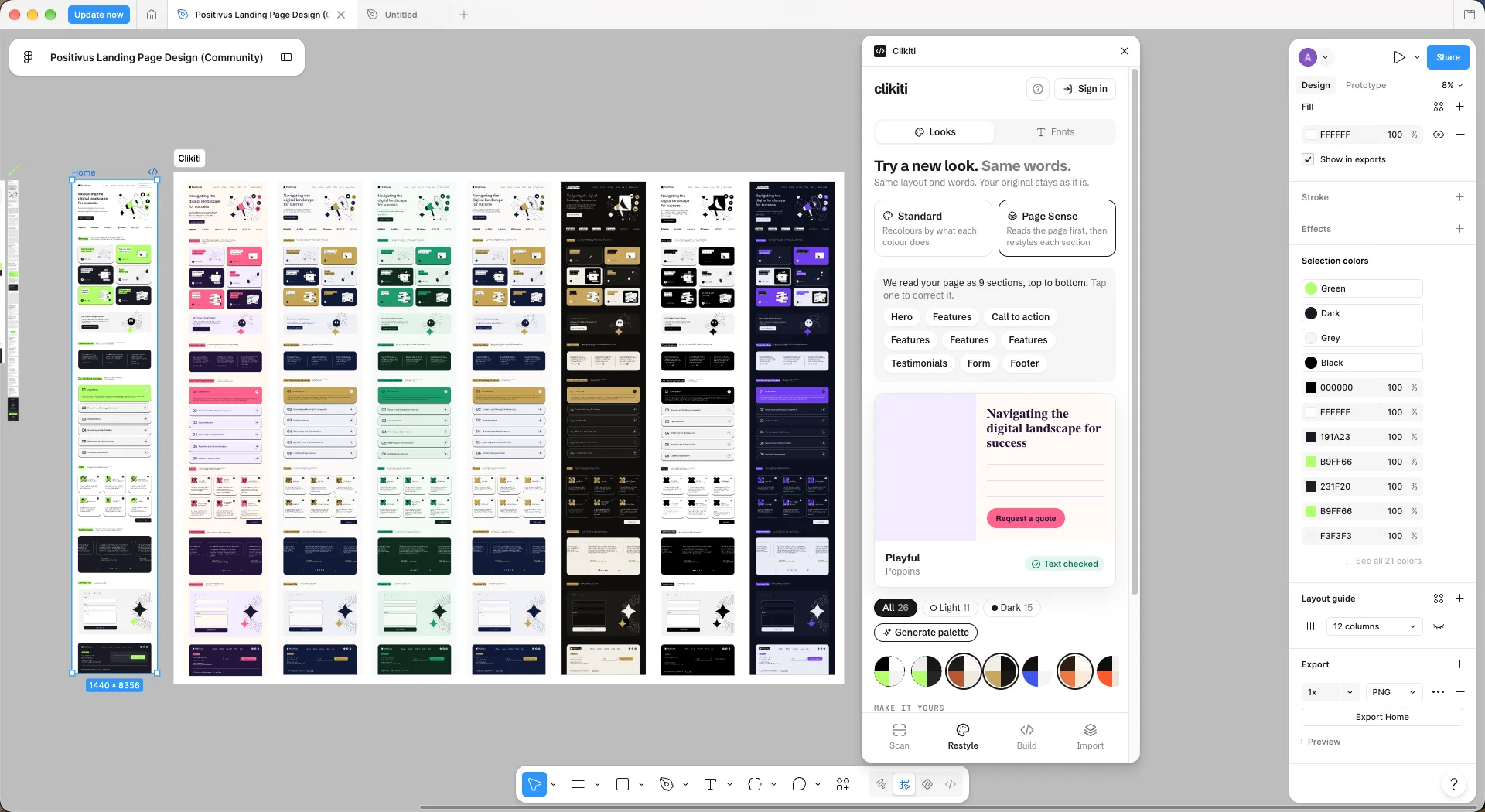
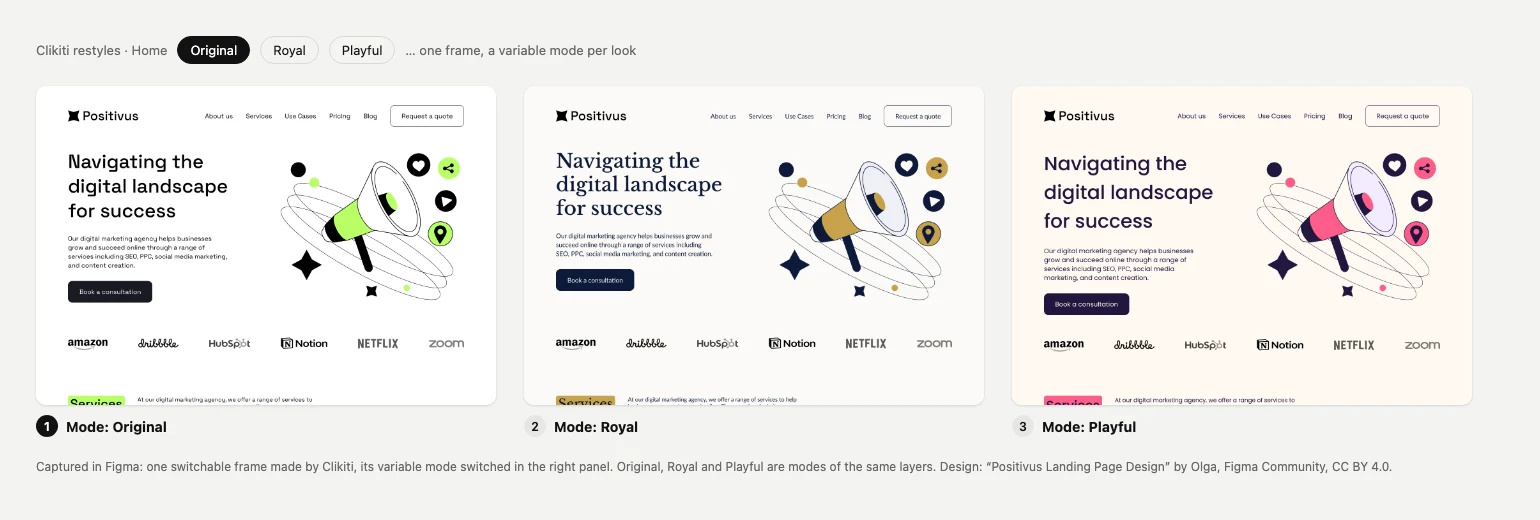
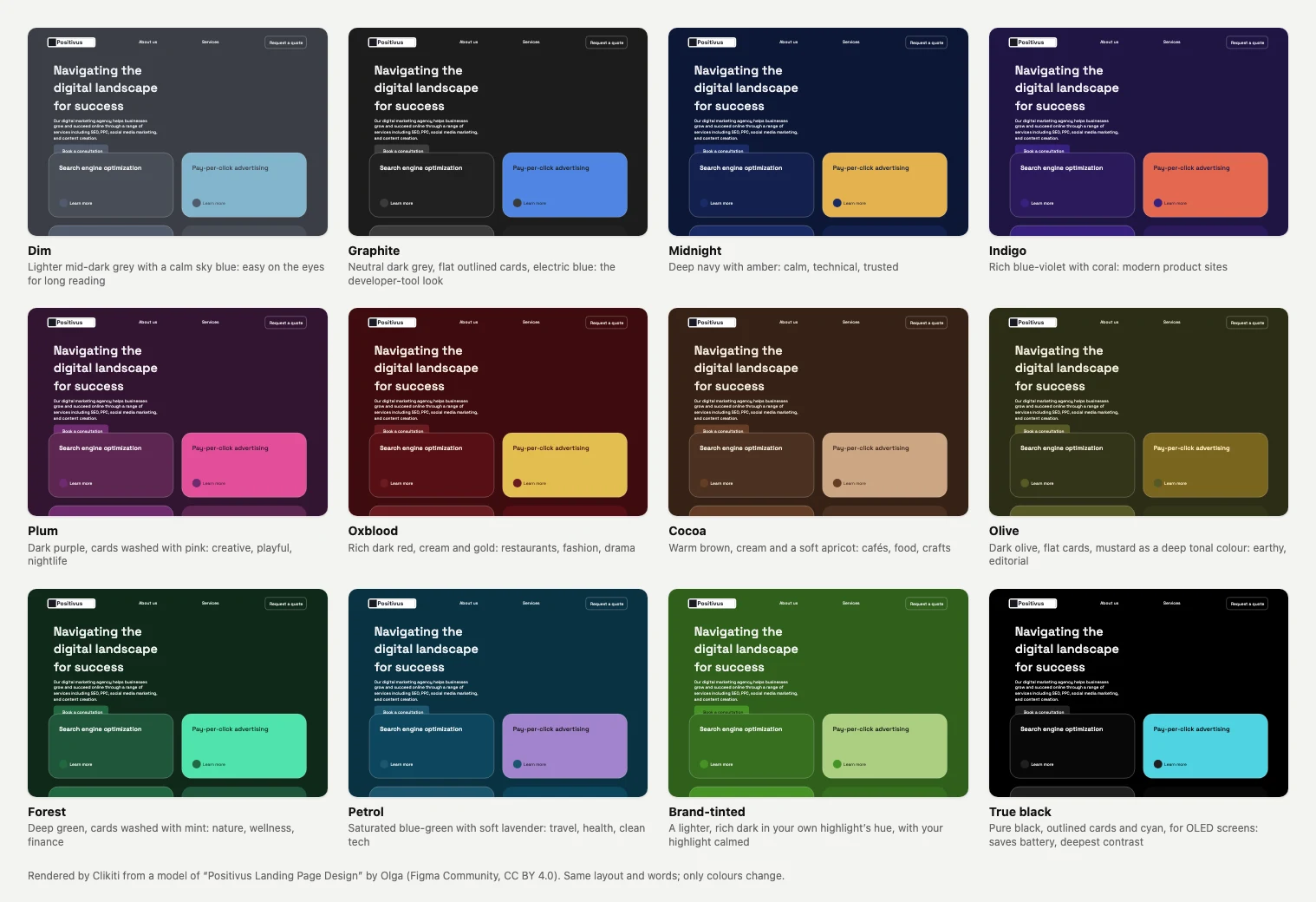
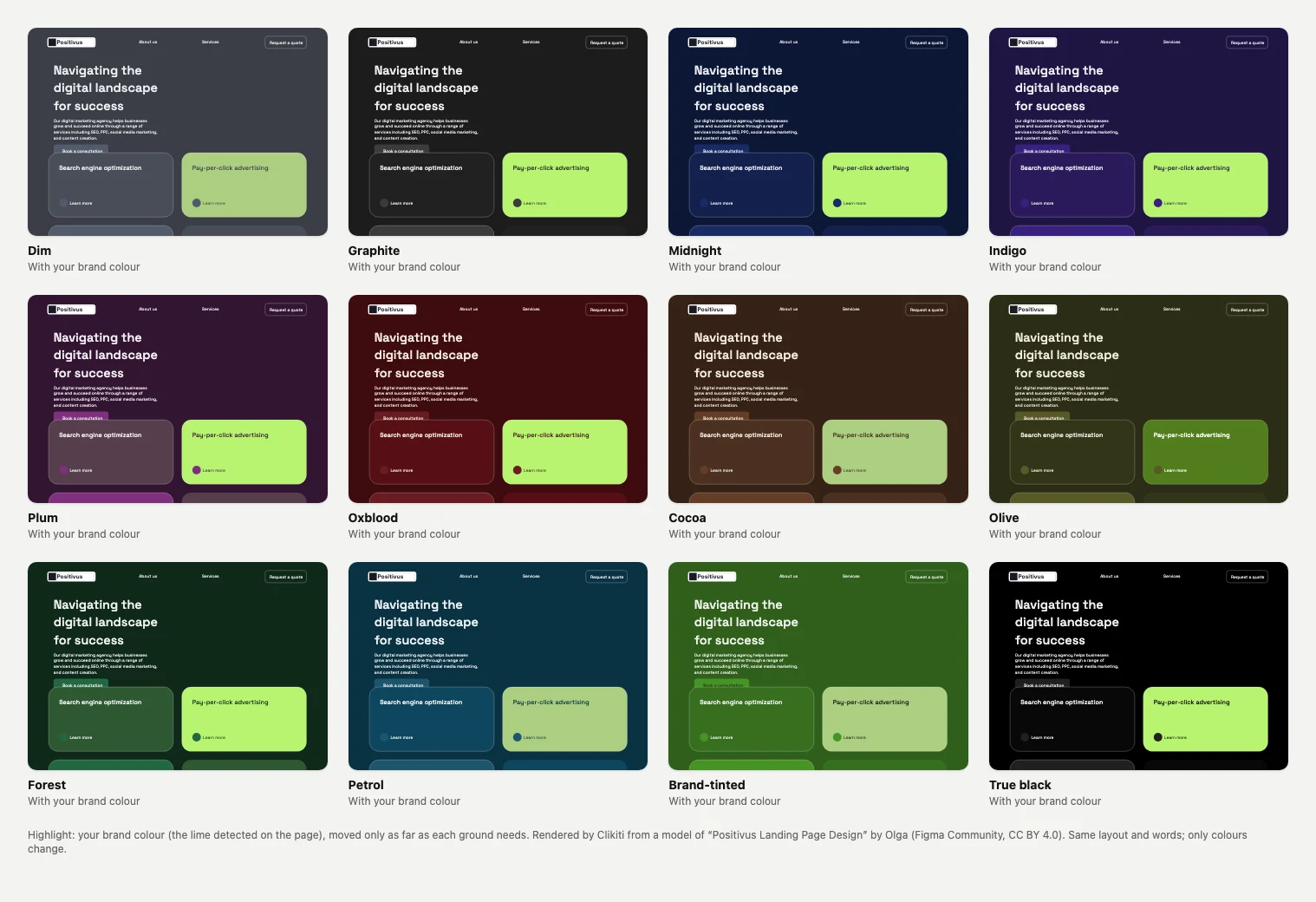
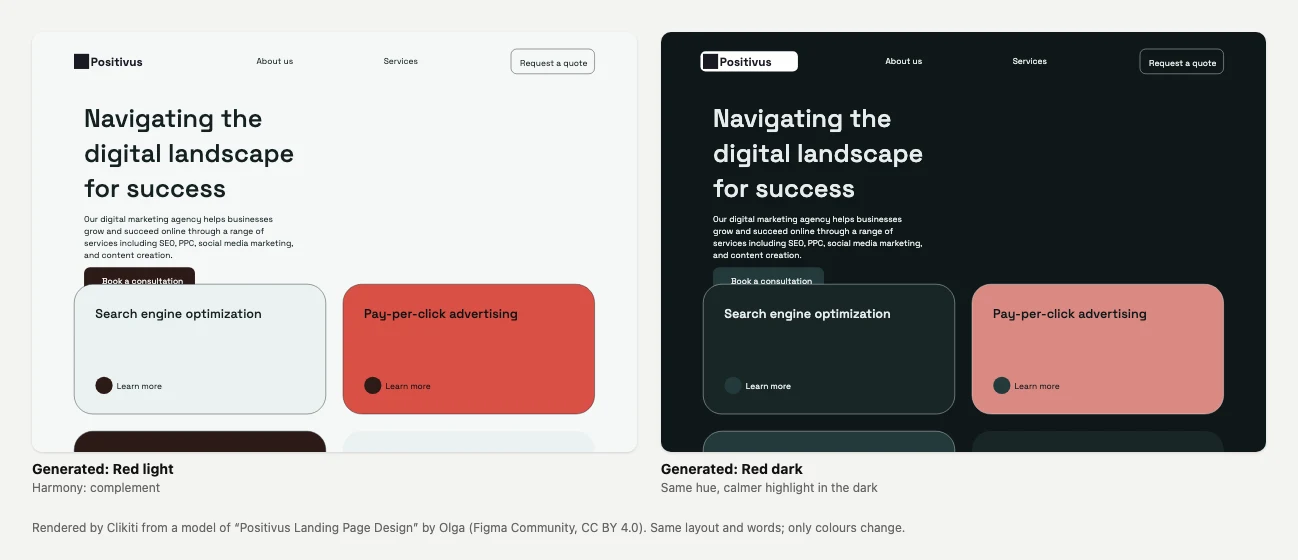
Yes. It makes a dark version of your own page from its colours, or one of 12 dark styles, most of them not black. Every text pair is checked to 4.5:1, and it is free with no sign-in. Light and Dark can also sit as variable modes on one frame, so you can switch back; that uses the switchable-frames tries.
Does it change my original frame?
No. Restyles and dark modes are made on a copy. Only Replace in this frame edits in place, when you press it, and Cmd+Z undoes it.
What does a free try count?
Page Sense, suggested pairs and switchable frames have 5 free tries each. A try is counted only when it changed something. After that, a free Clikiti account removes the limit.
When is it on Figma Community?
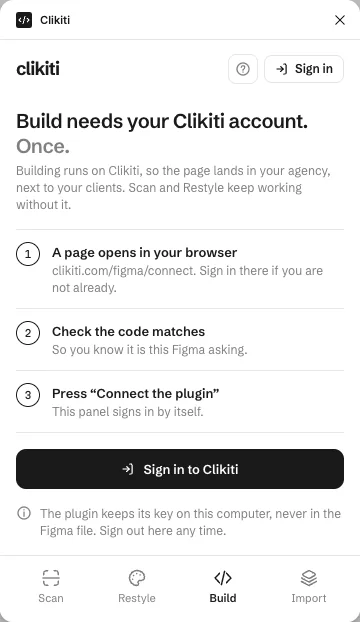
Soon. Leave your email on this page and we write once, the day it is published.
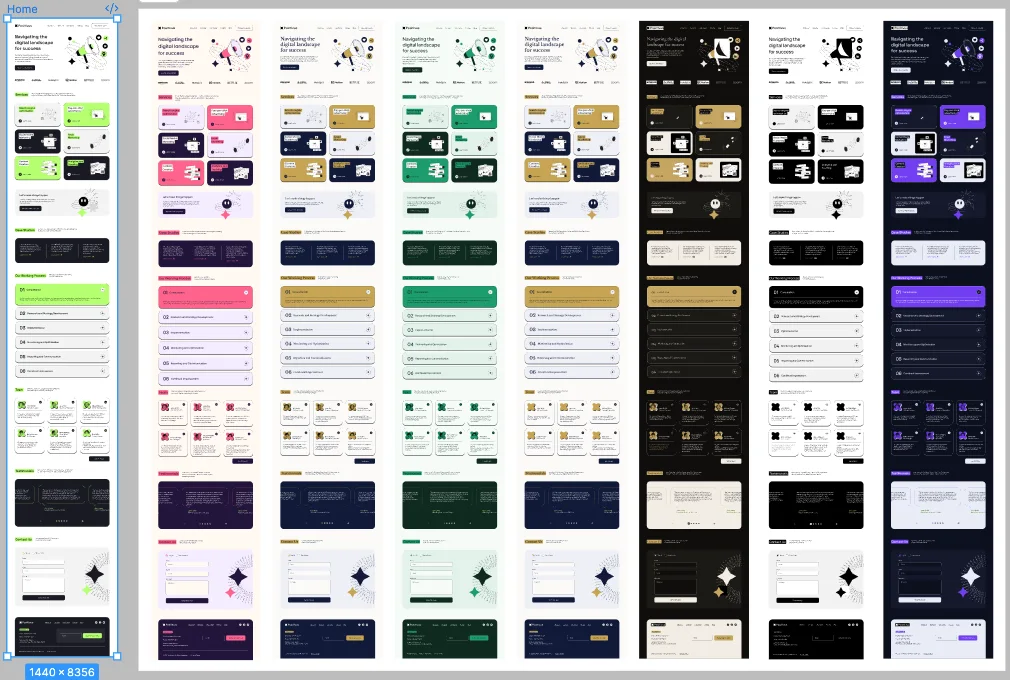
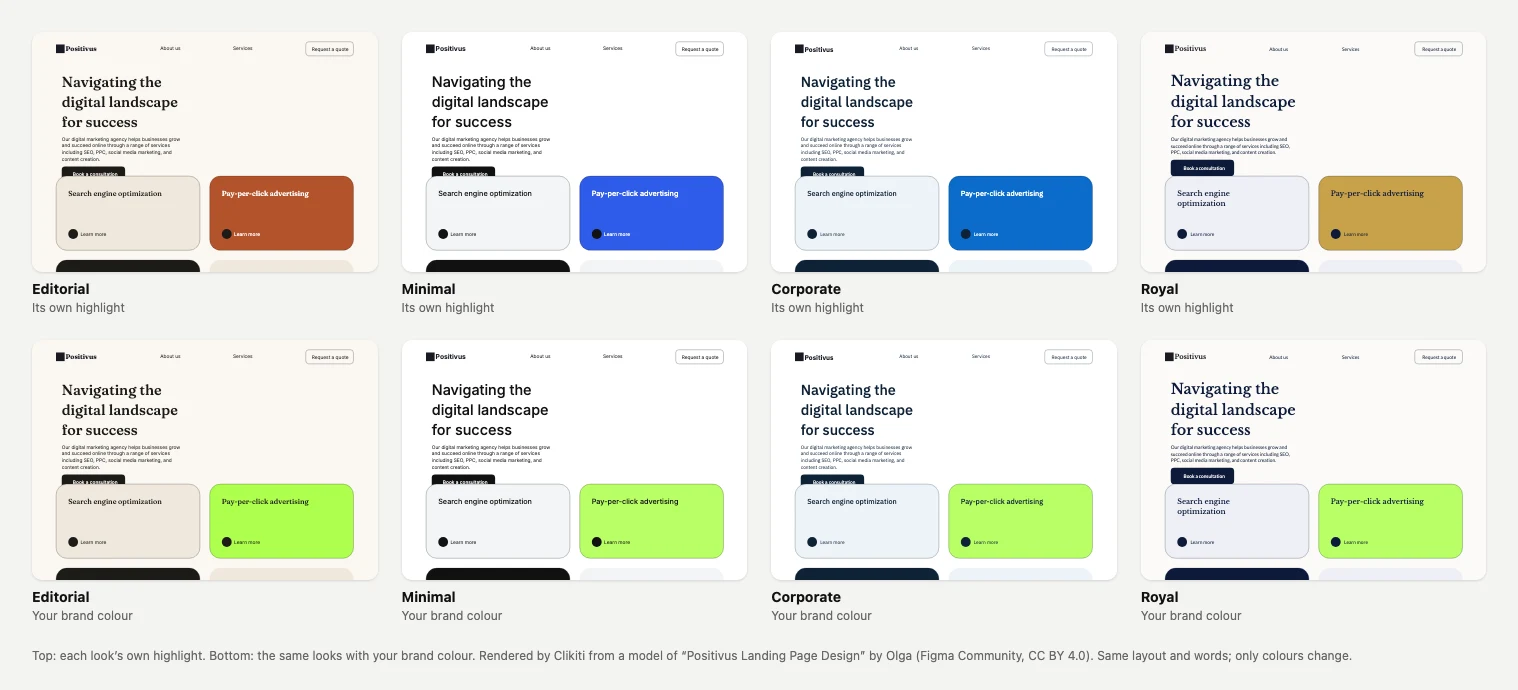
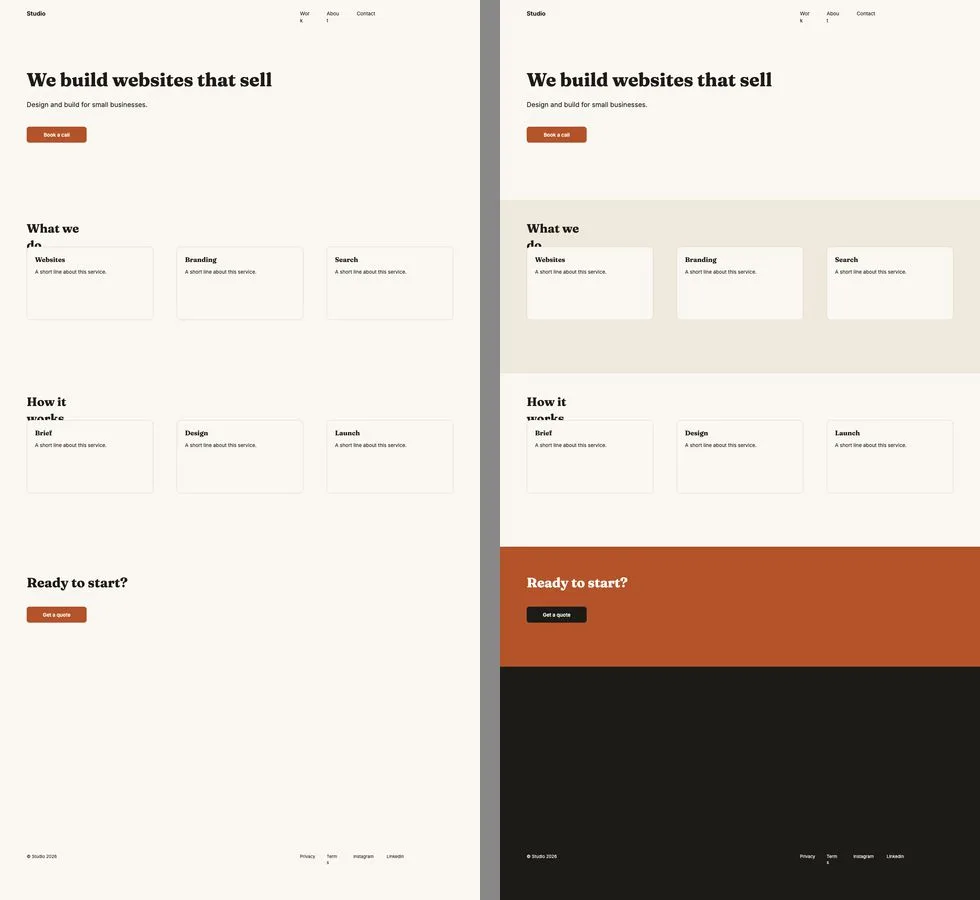
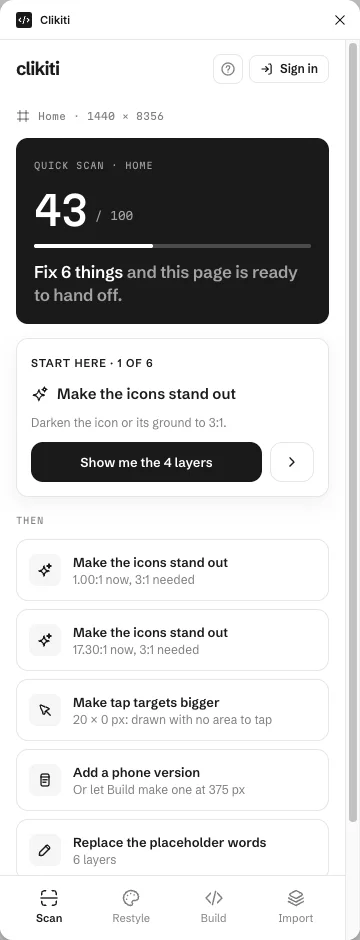
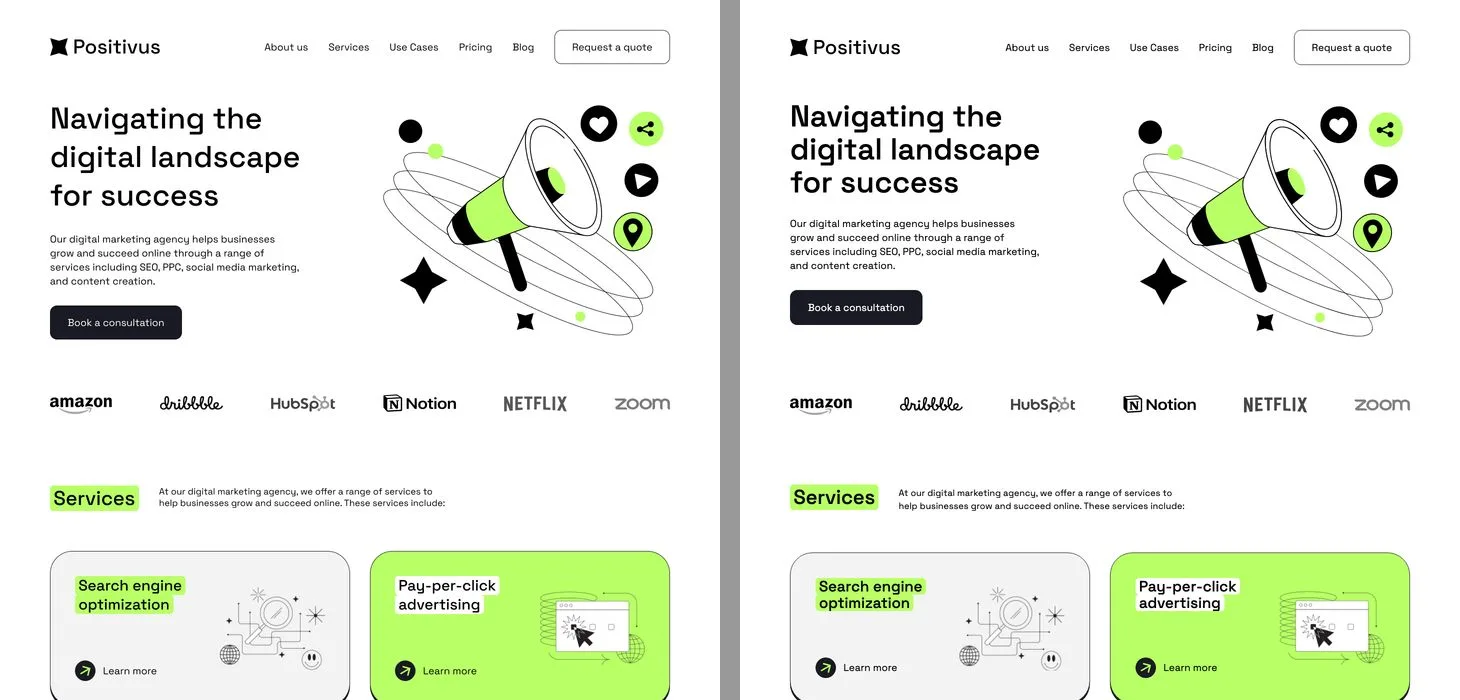
Credits: the pictures of the plugin at work use a free Figma Community file. Positivus is “Positivus Landing Page Design” by Olga (Figma Community, CC BY 4.0). The dark mode, dark styles and palette pictures are renders of that page by the plugin.