Explore the app
Every screen,taken apart.
A guided tour of the app your team works in, from the first request on the Pipeline to a live site, and what each screen gets you.
Twelve screens.One line from lead to live site.
- 01 PipelineNo lead goes cold without you seeing it.
- 02 AuditA reason to call, with the proof attached.
- 03 LookTaste agreed before a pixel is designed.
- 04 DesignA finished homepage before the first call.
- 05 Crew at workHours of studio work, done while you watch.
- 06 PitchThe proposal is the work itself.
- 07 ReportThey read the case before they take the call.
- 08 BuildThe yes becomes the whole site.
- 09 LaunchLive on their domain, nothing lost.
- 10 Needs youOne question, not ten.
- 11 LibraryEvery design starts from parts that already win.
- 12 InsightsKnow who replies, and why.
01 / 12
Every client from the first request to a live site, on one board the crew works with you.
OutcomeNo lead goes cold without you seeing it.
- The boardSix columns, request to live
- Prompt firstSay what you want; the crew heads out
- The crew on the cardsWho is working on which client
- One questionSphinx asks when it is less than 60% sure
- ActivityEvery step the crew took, with the time
In the appThe pipeline screen, whole.
02 / 12
The prospect’s site read through five lenses, every finding pinned where it happens.
OutcomeA reason to call, with the proof attached.
- The auditTheir site, with each finding on it
- EvidenceThe element, the page and the number
- Five lensesUsability, accessibility, speed, content, structure
- FindingsRanked by what costs them customers
In the appThe audit screen, whole.
03 / 12
Three directions built from the client’s own colours and photos. You pick one.
OutcomeTaste agreed before a pixel is designed.
- Three boardsEach from their logo colour and photos
- The pickSets the direction for every page
- Their paletteBuilt around the brand colour
- Brand lockedLogo and colour never drift

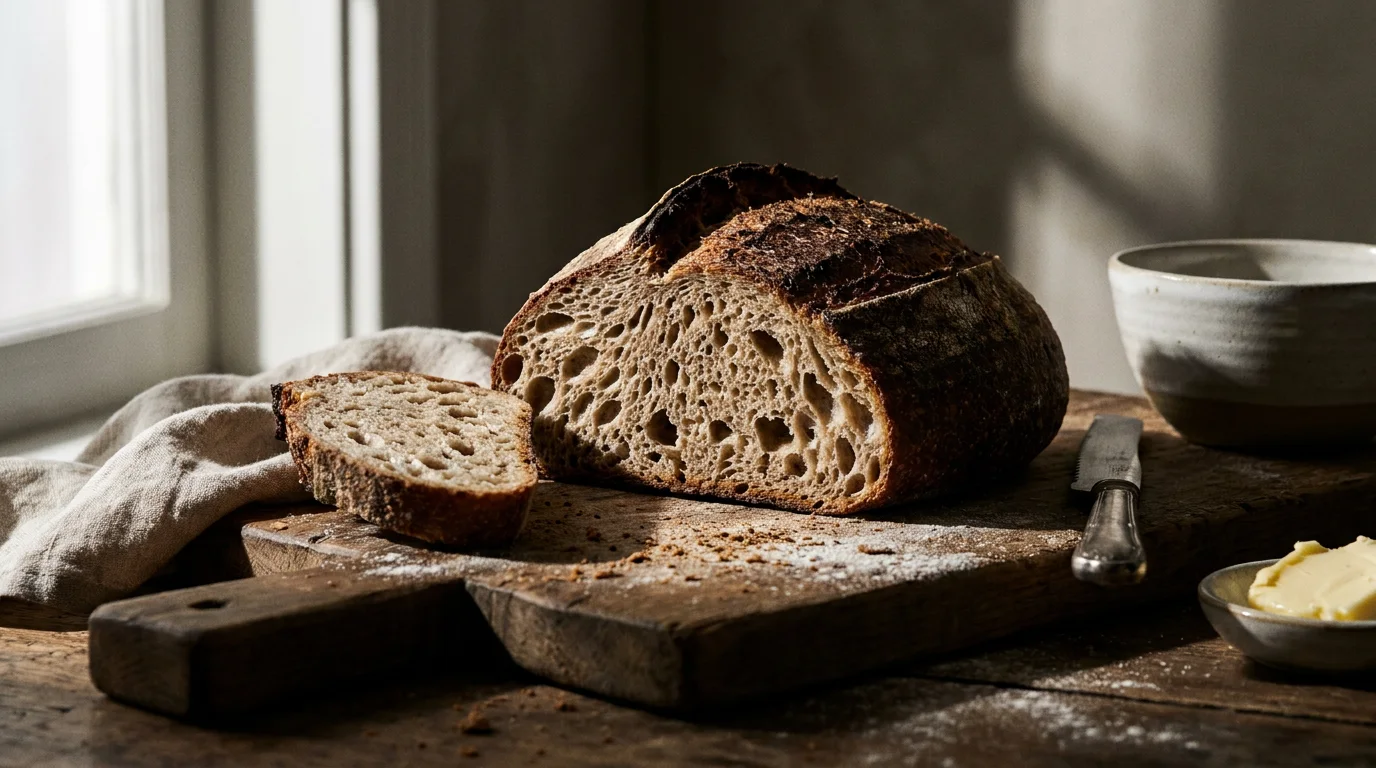
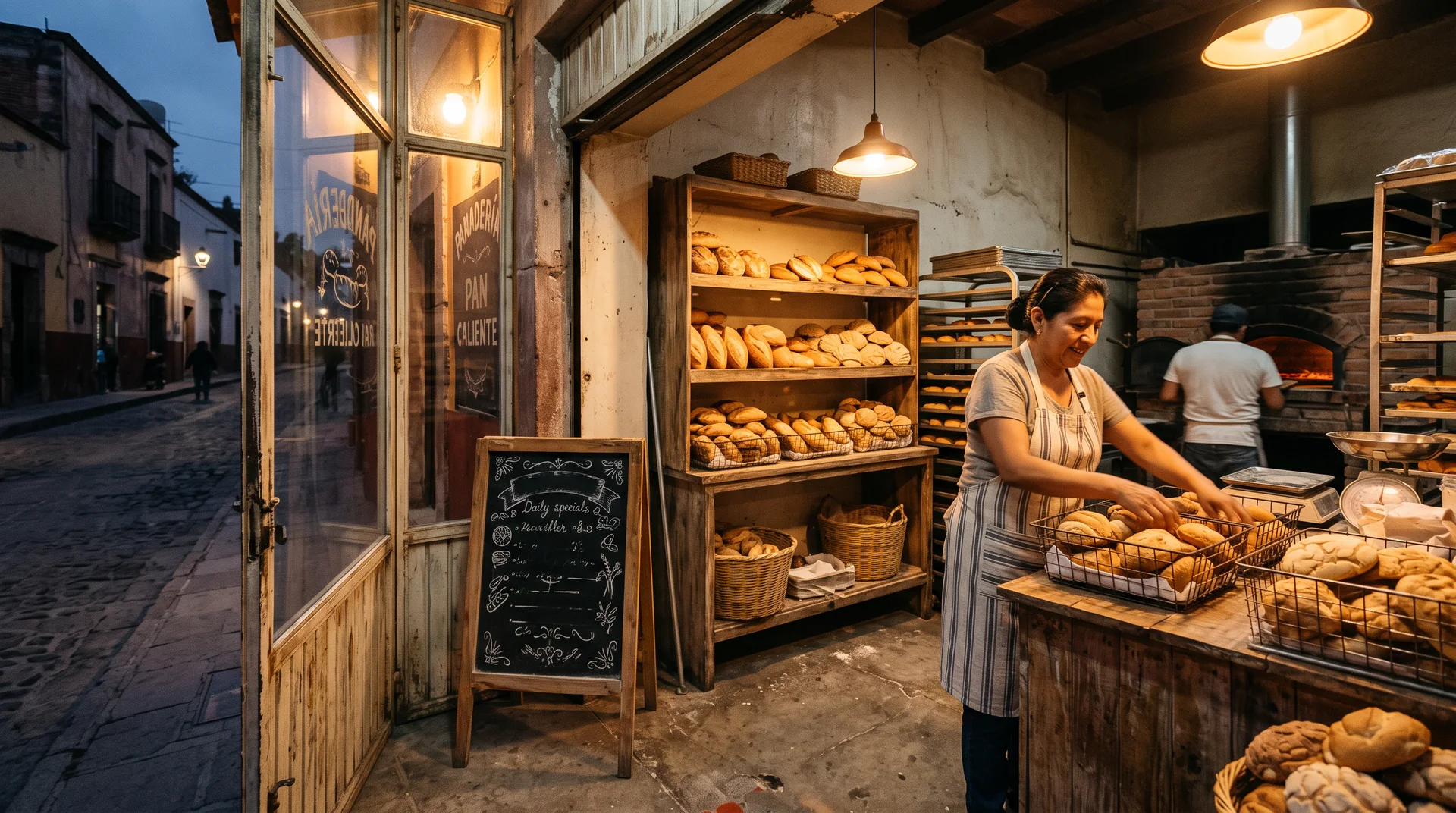

In the appThe look screen, whole.
04 / 12
The homepage redesigned on a canvas. Click any part and ask for a change.
OutcomeA finished homepage before the first call.
- The canvasTheir new page, section by section
- Ask in placeThe cost shows before it runs
- Facts kept38 kept, 0 invented
- Their wordsHours, prices and addresses, exactly
- The crewTiger designs, Paws writes, Shadow checks
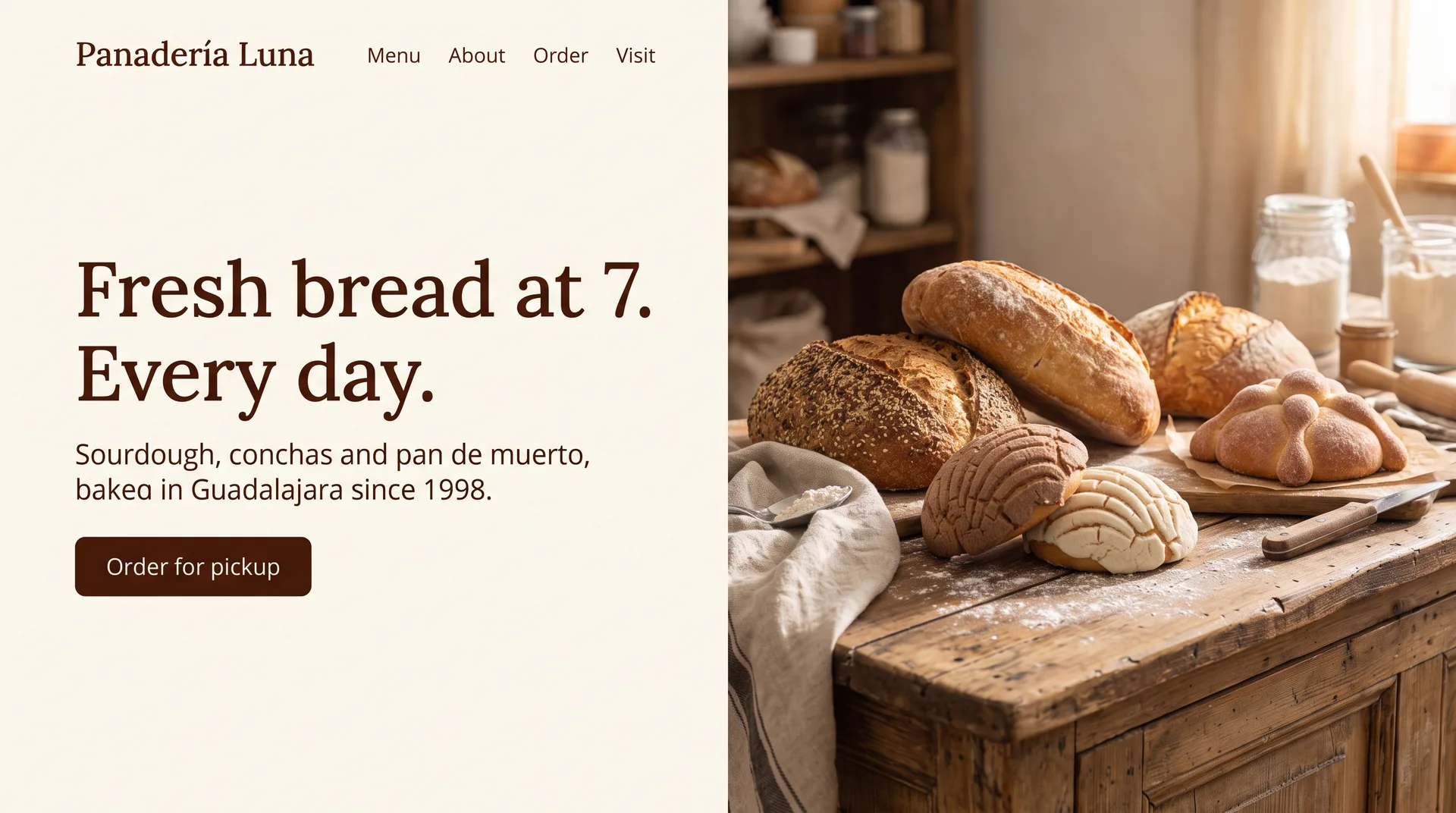
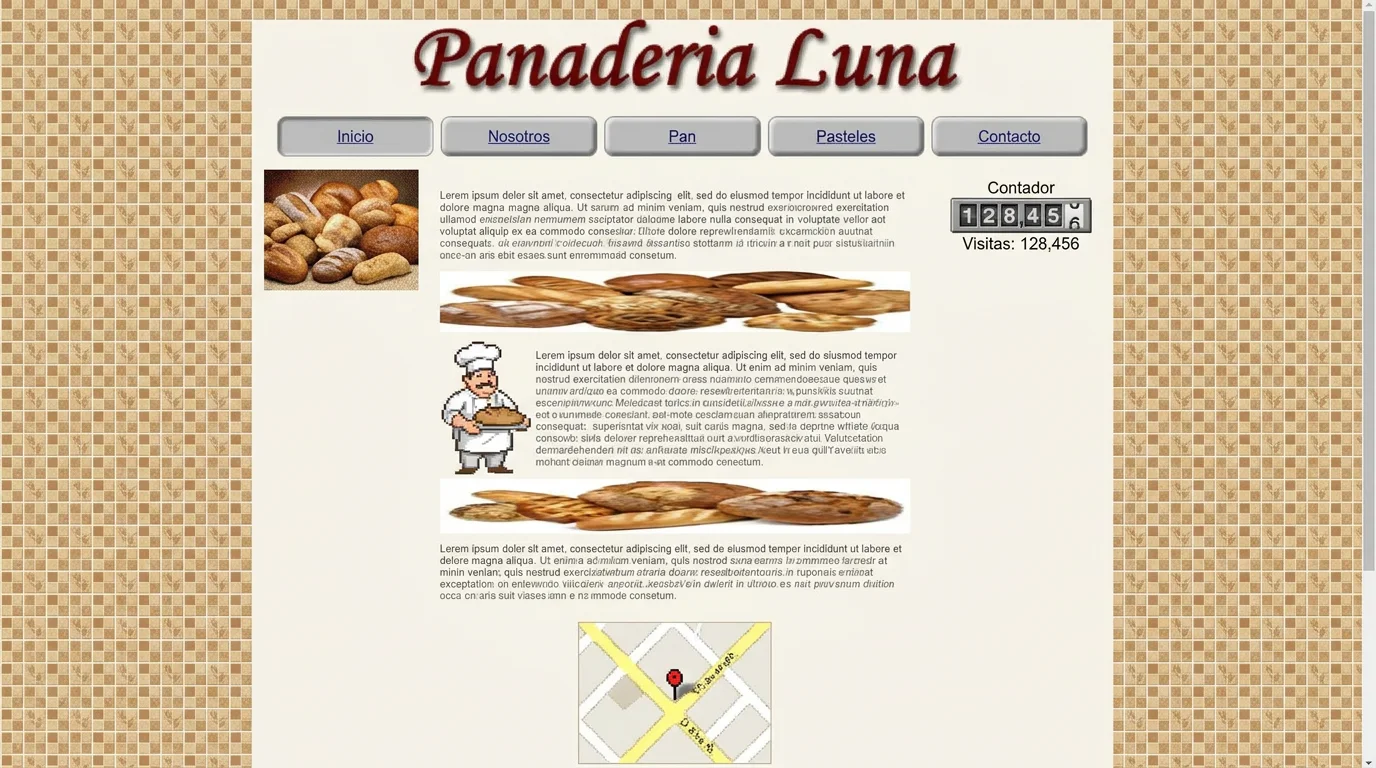
In the appThe design screen, whole.
05 / 12
Watch the page being built section by section while the agents pass facts, designs and checks between them.
OutcomeHours of studio work, done while you watch.
06 / 12
The email, the report and the before and after, sent from your inbox under your name.
OutcomeThe proposal is the work itself.
- The pitchEverything the prospect receives
- Your emailEdited in your voice, sent by you
- The reportA consulting-grade review, your brand
- Before and afterTheir site next to the one you made
- Who read whatOpened, read, compared, booked
In the appThe pitch screen, whole.
07 / 12
The link your prospect opens: a consulting-grade review of their site, the redesign and what was changed, under your name.
OutcomeThey read the case before they take the call.
- The linkyourstudio.com/r/their-name, your brand
- The coverThe one sentence to leave with
- Executive summaryKey findings and the numbers at a glance
- ExhibitsEvery issue by area and severity, sourced
- The redesignTheir site today next to the one you made
- What we changedSection by section, and why
- The planFix now, fix next, then
In the appThe report screen, whole.
08 / 12
When they say yes, the approved homepage’s look is carried to every other page.
OutcomeThe yes becomes the whole site.
- The buildHome first, then every page
- Page by pageApproved, in progress, queued
- The new pageIn the approved look
- Costs up frontEvery ask shows its price
- Asks, not guessesSphinx checks before it changes a fact
In the appThe build screen, whole.
09 / 12
A gate of checks before anything goes live, then their own domain with SSL.
OutcomeLive on their domain, nothing lost.
- LaunchChecked, then published
- The gateLost facts and broken links block a publish
- Their domainSSL on every domain
- PreviewThe site as it will go out
In the appThe launch screen, whole.
10 / 12
Every question from the crew and every approval, in one list you answer in place.
OutcomeOne question, not ten.
- Needs youOver whatever you are doing
- One listQuestions and approvals together
- Answer in placeOne tap and the crew carries on
- Do anythingType it; the crew runs it
In the appThe needs you screen, whole.
11 / 12
Looks, sections, assets and Atelier work, tested and ready for any design.
OutcomeEvery design starts from parts that already win.
- The libraryLooks, sections, assets, Atelier
- SectionsParts that passed the checks
- Used and wonWhich parts win pitches
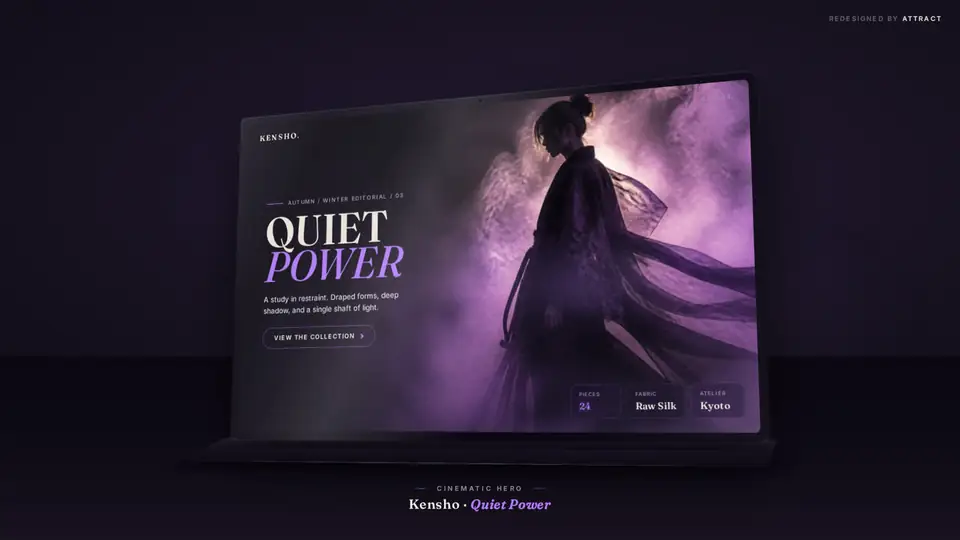
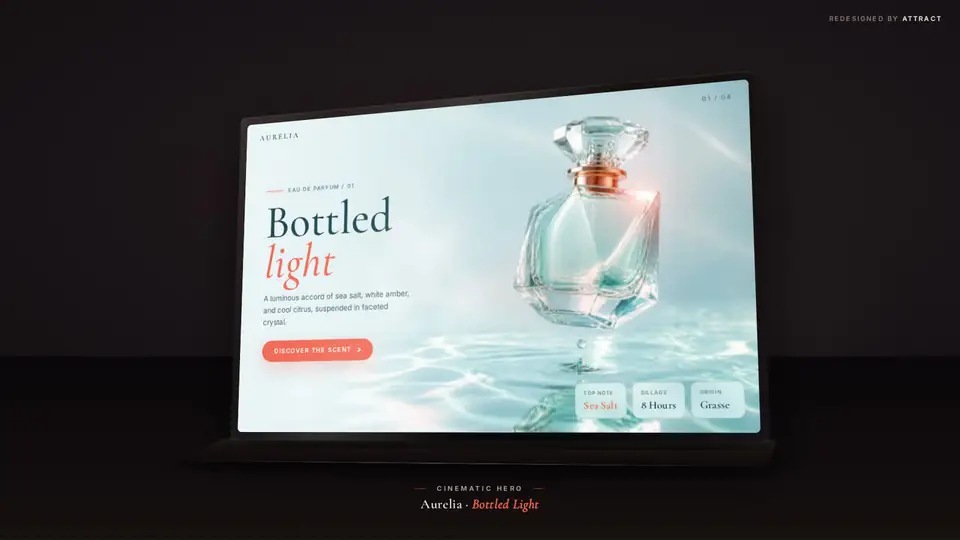
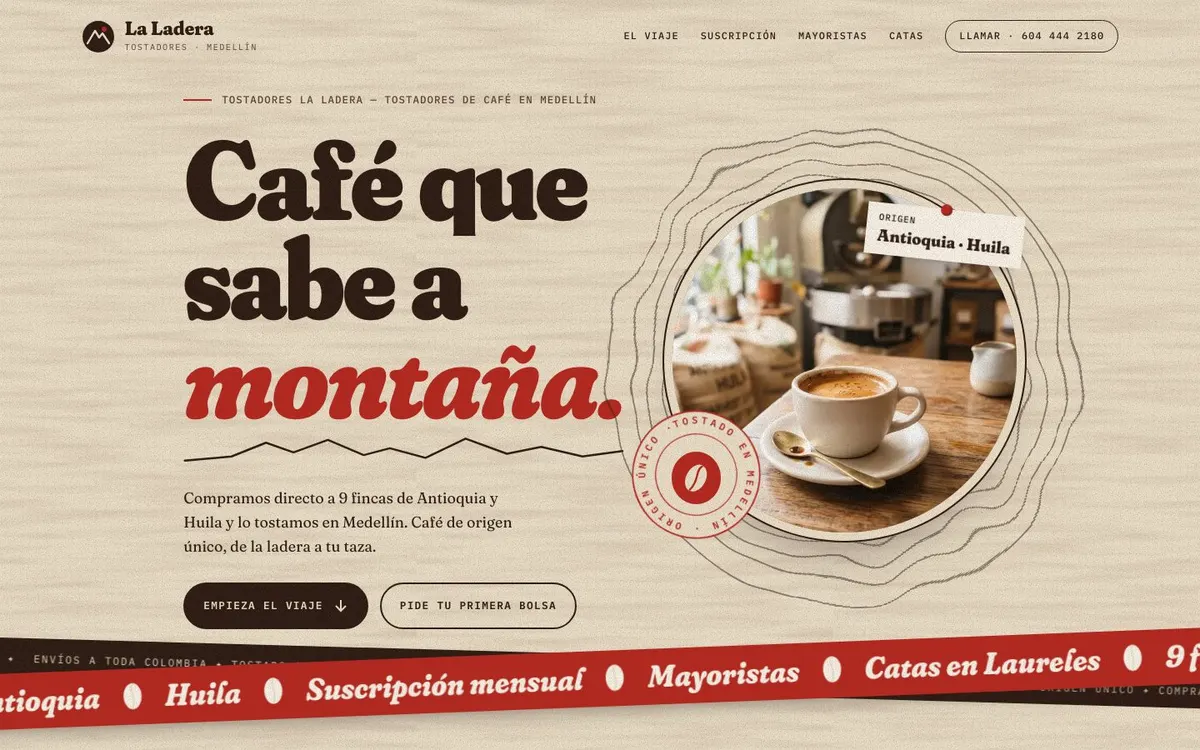
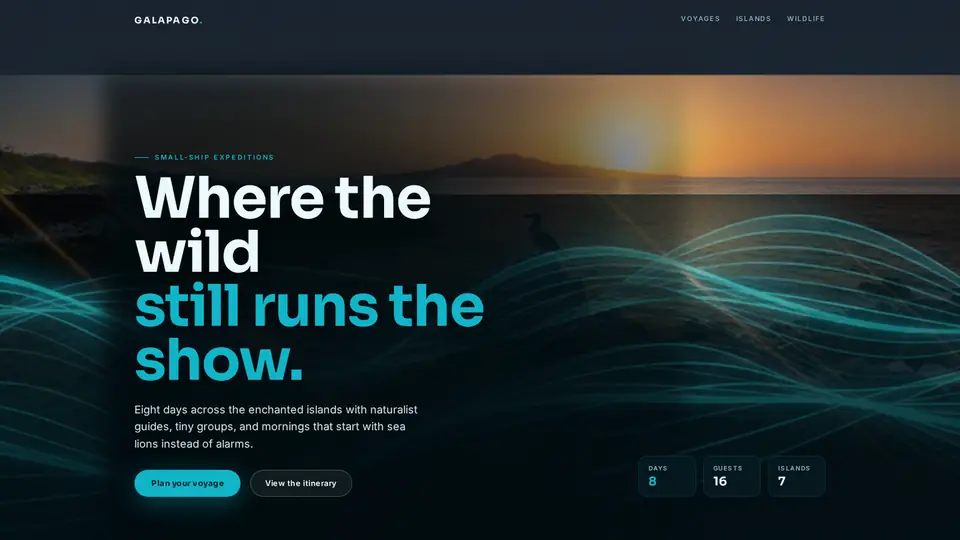
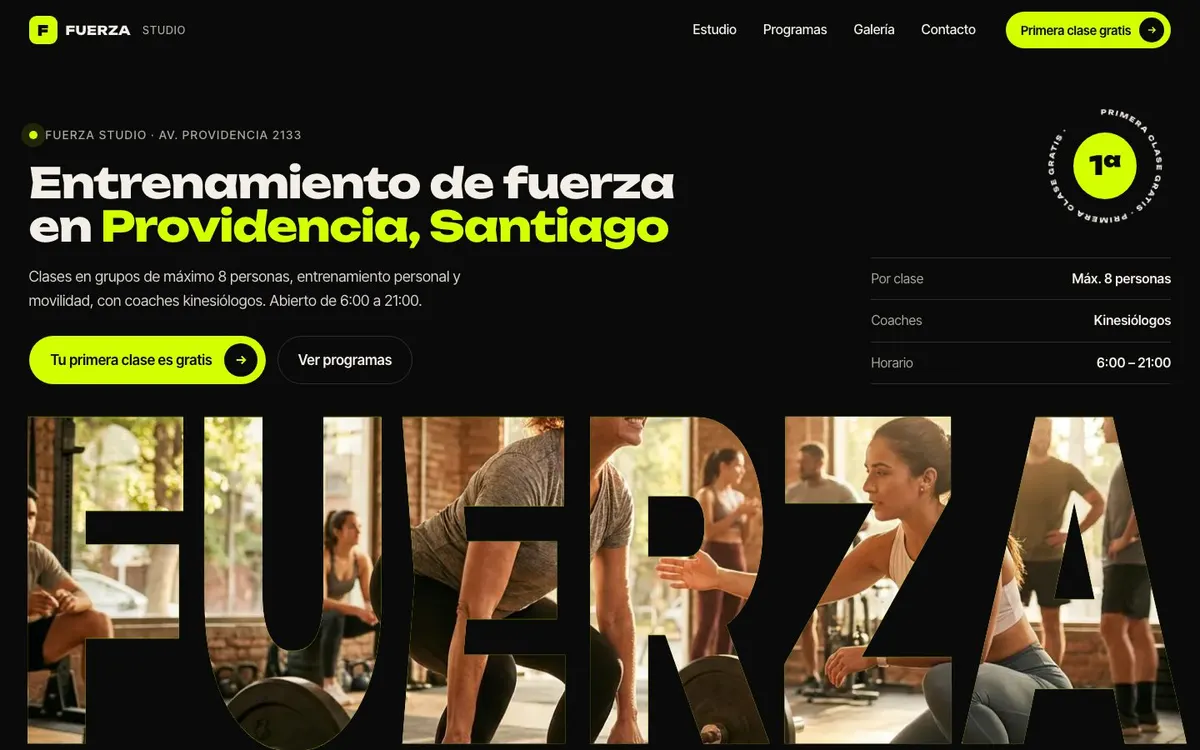

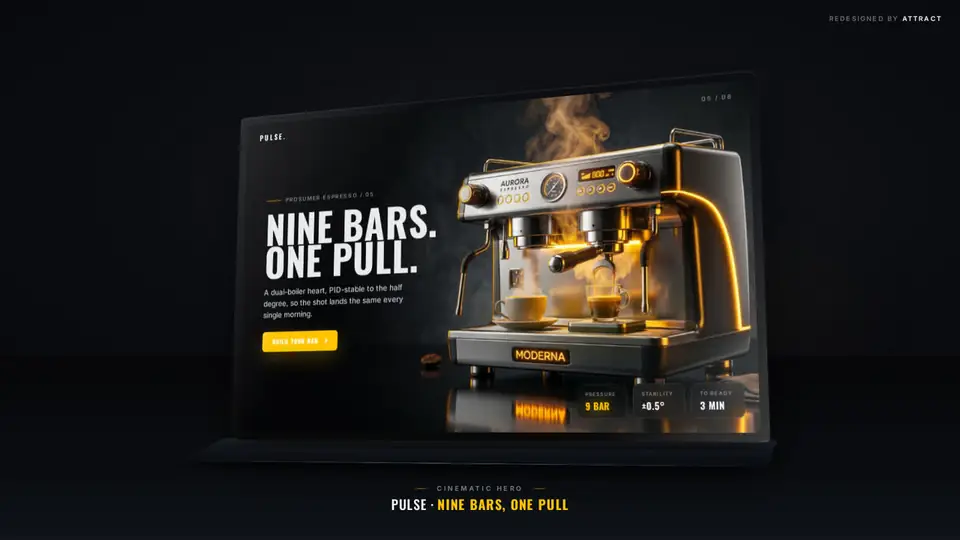
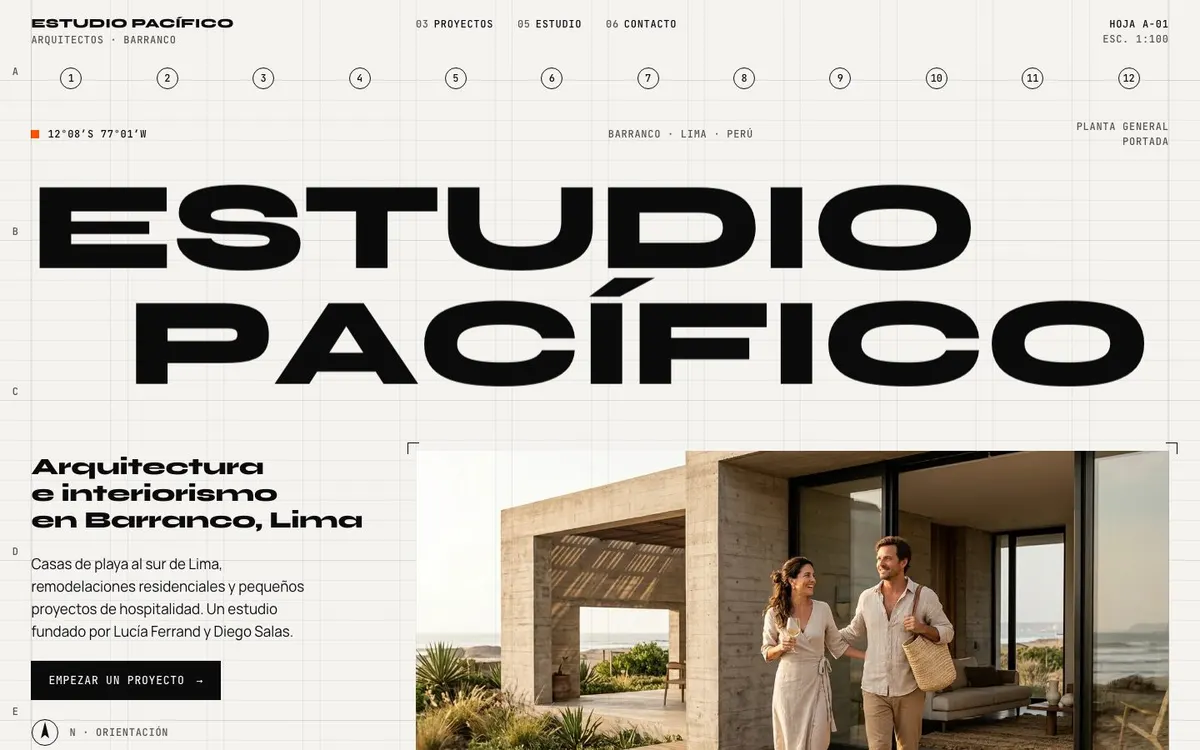
In the appThe library screen, whole.
12 / 12
Pitches sent, opened, booked and won, and a box to ask your own numbers anything.
OutcomeKnow who replies, and why.
- InsightsThe funnel, week by week
- The funnelSent, opened, booked, won
- By weekPitches and wins over time
- AskAnswers from your own pitches
In the appThe insights screen, whole.
Your move.
Ask for access and the app is yours to explore with your own prospects. We review every request by hand during the alpha.